How to design and order custom t-shirts and apparel online
Designing your own custom t-shirts and apparel with Threads365 takes minutes, and this page walks you through exactly how to order custom t-shirts online from start to finish. Watch the quick video below to see it in action, then read on for the full step-by-step.
Design your own custom
t-shirts in three steps
The whole process is built to be simple enough to do from your phone, with no design experience needed. Here’s how an order goes from idea to on its way to you.
1. Choose your product
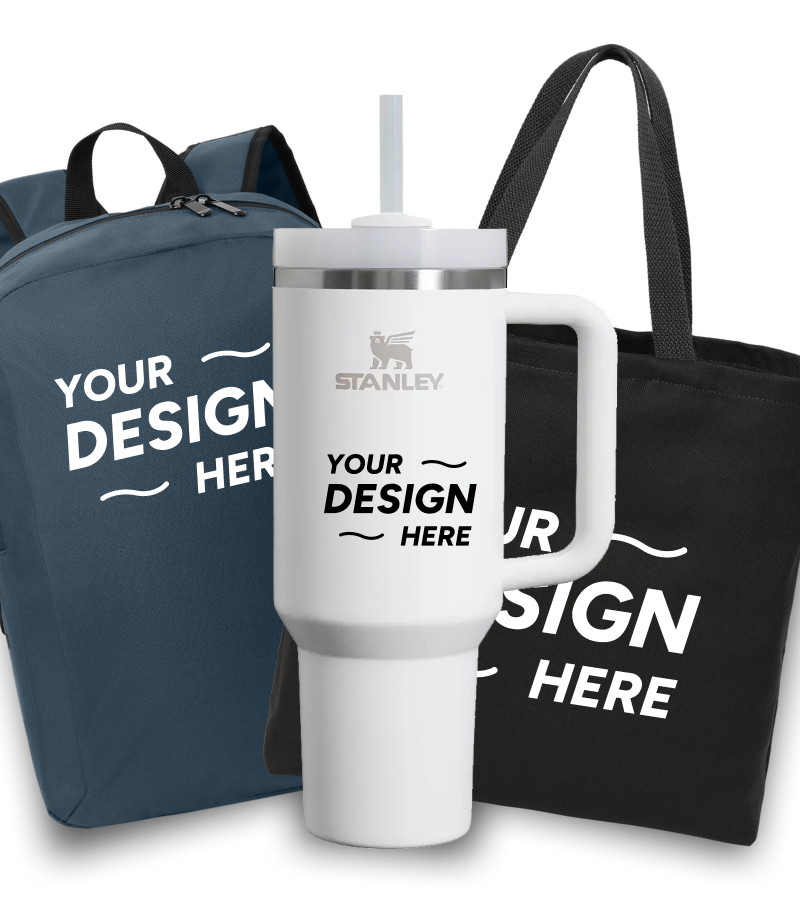
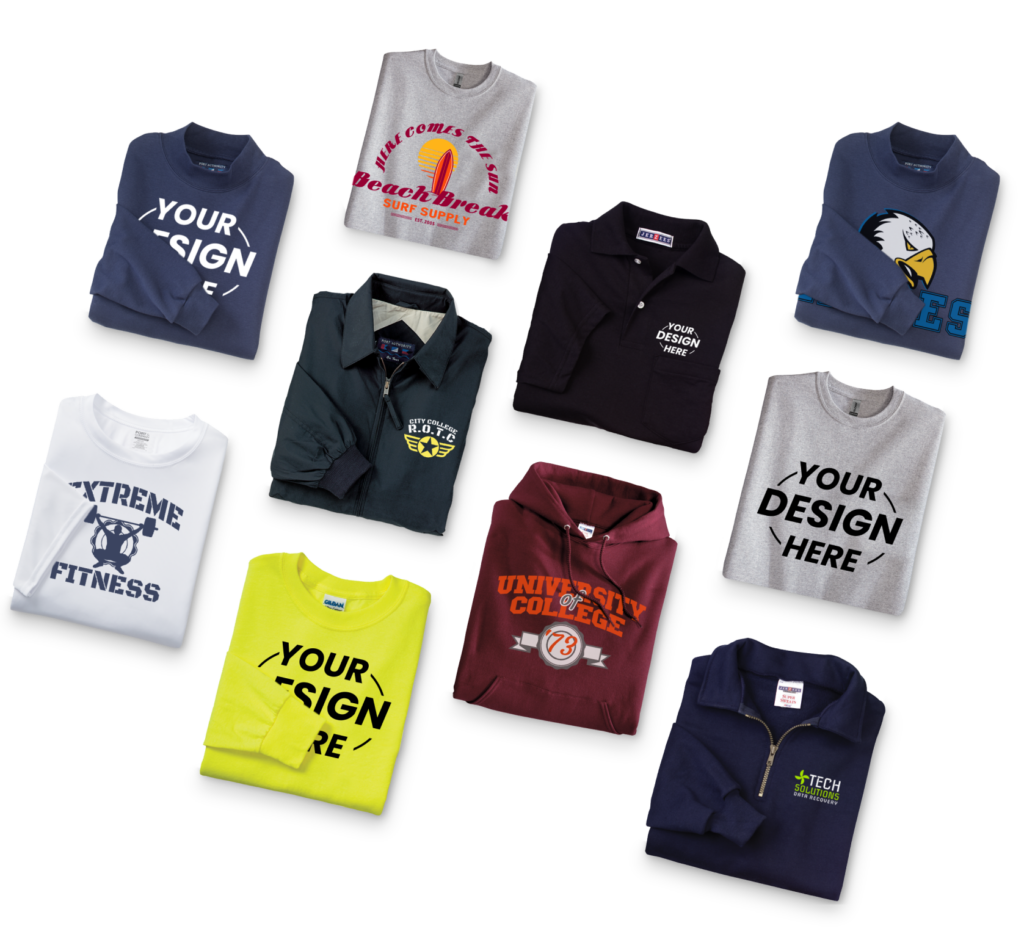
Start by picking what you want to decorate. Browse hundreds of options across printing and embroidery: t-shirts, hoodies, dri-fit, dresswear, outerwear, hats, and promo products. There’s no minimum order, so you’re free to choose a single shirt or a few hundred.
2. Design it
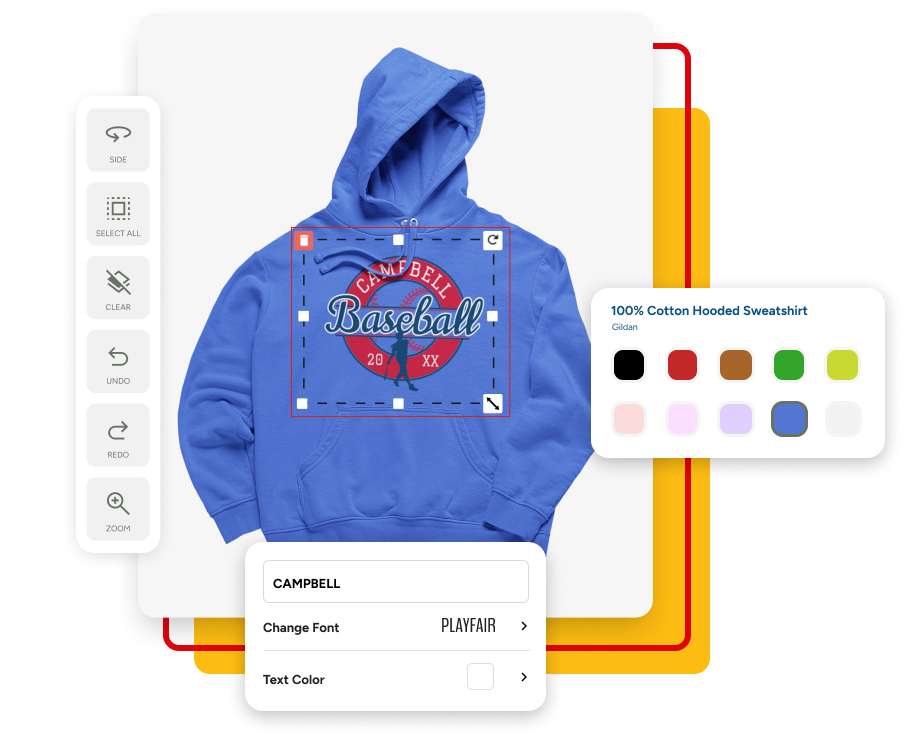
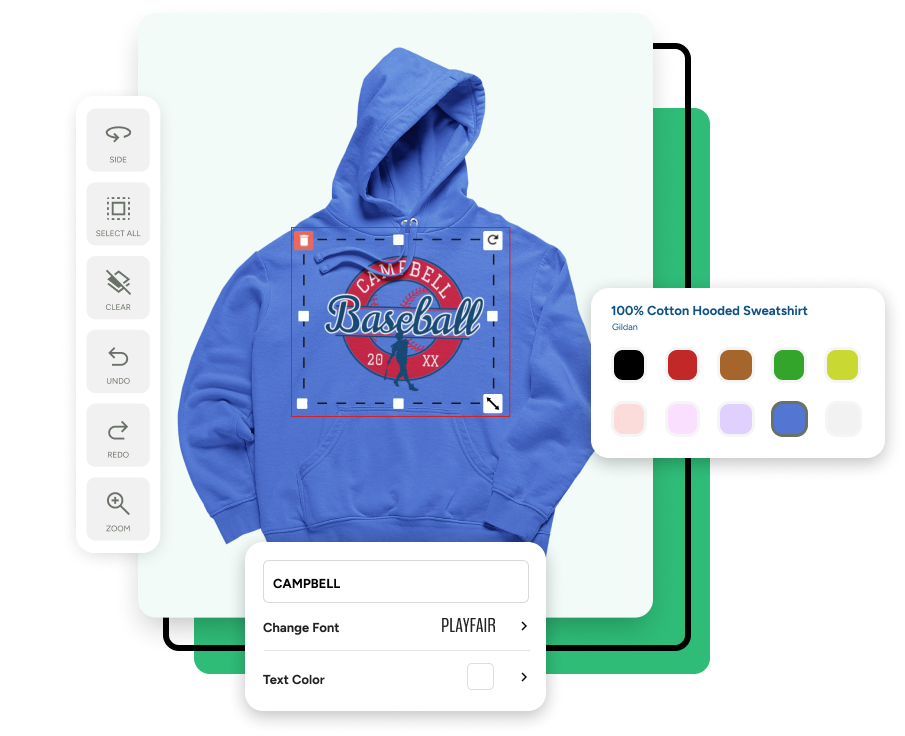
This is where it gets fun. Open the online designer and make the product yours. You can start from one of our ready-made designs, upload your own artwork, or build something from scratch. Change the colours, add your text, drop in your logo, and arrange everything until it looks right. The design shows on the actual product as you work, so what you see is what you’ll get.
3. Choose quantity and check out
Pick the sizes and quantities of your custom t-shirts, review your design one last time, and check out securely. From there the order is ours. We print or embroider it, run it through a quality check, and ship it fast, with most products ordered before 4 PM Eastern in our hands the next day.
Using the online designer
Our designer is built to feel like a self-serve kiosk, simple enough that anyone can design their own custom t-shirts and apparel and create something they’re proud of. A few of the things you can do with it:
- Start from a ready-made template and adjust it, or begin with a blank product.
- Upload your own logo or artwork and place it exactly where you want.
- Change colours, resize elements, and add or remove individual pieces of a design.
- Design the front and back separately, which is handy for company shirts with a logo on one side and a name on the other.
- Preview everything on the real product before you commit.
Turning an AI logo into custom apparel
Here’s something a lot of people don’t realise they can do. If you run a small business and don’t have a logo yet, you can make one with an AI tool like ChatGPT and bring it straight into your design.
The short version: ask ChatGPT to create a simple logo for your business, save the image it gives you, then upload that file in the designer and drop it onto your product. That’s it. A landscaper, a pressure-washing startup, or anyone getting their first branded shirts can go from no logo to finished custom apparel without hiring a designer or visiting a print shop. We’re building how-to videos on this, so check back if you’d like a walkthrough.
Why ordering with Threads365 is quick
Most custom orders have a deadline attached, so the whole process is built around speed. There’s no back-and-forth required to get started, no minimum order to clear, and no long wait at the end. A typical 30-piece order is ready in about two days, and we’ll always give you an honest timeline up front.
FAQs
Can I upload my own design or logo?
Yes. Upload your artwork or logo straight into the online designer and drop it onto the product, then move and resize it until it sits where you want. You can design the front and back separately, which is handy for company shirts that need a logo on one side and a name on the other.
What file format works best for custom t-shirt printing?
A high-resolution PNG with a transparent background works well for most designs, and vector files like SVG, EPS, or PDF are ideal because they stay sharp at any size. As a rule of thumb, aim for around 300 DPI so the print comes out crisp. If you’re not sure your file will work, send it over and we’ll check it before anything prints.
Do I need design experience to make my own shirt?
Not at all. The designer is built to be simple enough for anyone, a bit like a self-serve kiosk. Start from one of our ready-made designs, change the colours, text, and artwork, and you’ll have something you’re happy with in a few minutes, no design skills needed.
Can I see my design before I order?
Yes, and this is one of the most useful parts. Your artwork shows on the actual product as you build it, so the preview on screen is what you’ll get. We also look over every order before it prints to catch anything early.
What if I don't have a logo yet?
You can make one. If you run a small business without a logo, create one with an AI tool like ChatGPT, save the image, and upload it straight into the designer. That means you can go from no logo to finished custom apparel without hiring a designer or visiting a print shop.
How many can I order, and is there a minimum?
Order as few or as many as you like. There’s no minimum order, and the price per piece stays the same whether you want a single shirt or a few hundred, so it suits both a quick personal order and a full team run.
Can I put my design on the front, back, or sleeve?
Yes. You can place your design wherever you like, including a left-chest logo, a full front or back print, or a sleeve. The designer lets you build each side separately and position artwork exactly where you want it, so a company shirt can carry a small logo on the chest and a larger design on the back in the same order.
How quickly will my order be ready?
Most products ordered before 4 PM Eastern are in our hands the next day, and a typical 30-piece order is ready in about two days. We’ll give you an honest timeline up front so you can plan around your deadline.